Smart Robot Vacuum Cleaner: Daily Cleanup With Less Effort
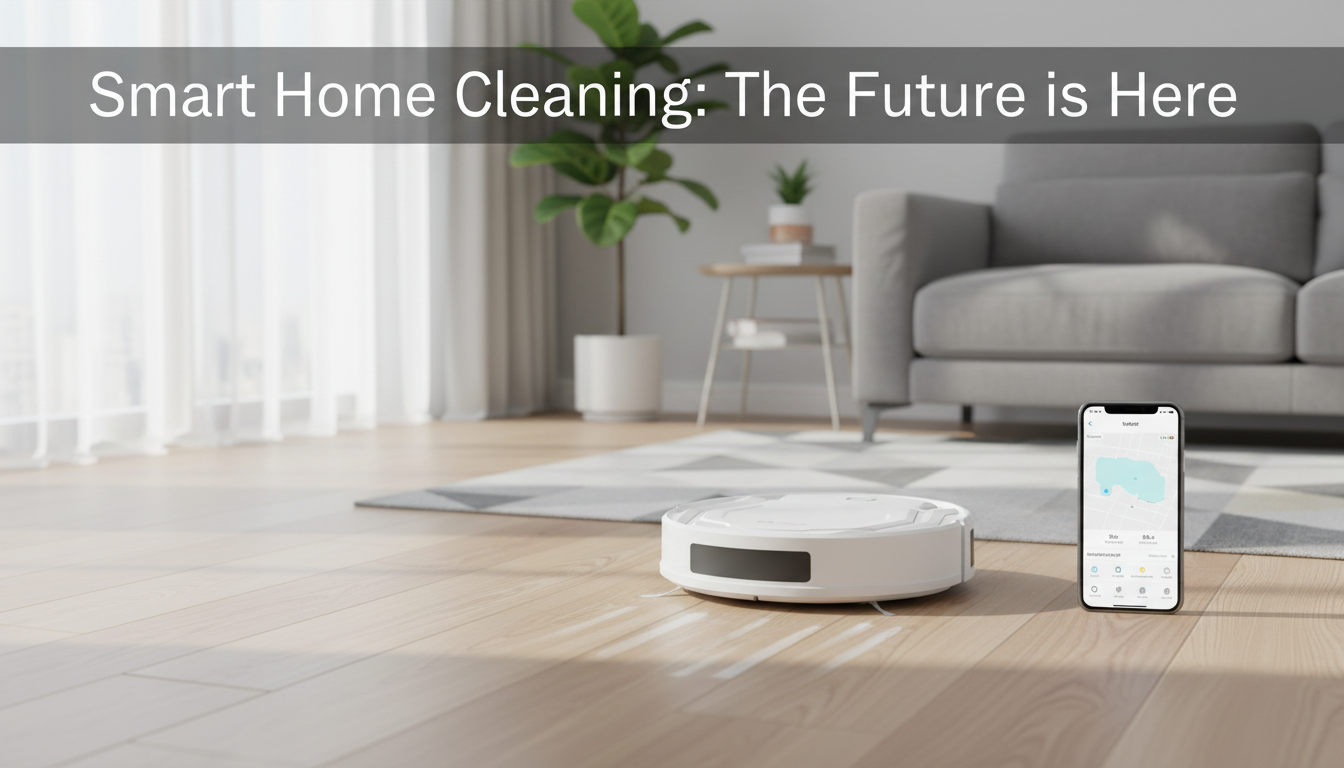
Smart Robot Vacuum Cleaner: Cleaner Floors with Less Daily Effort
A smart robot vacuum cleaner keeps everyday dust, crumbs, and pet hair under control while freeing up time for everything else. The biggest payoff comes from matching navigation, suction, battery behavior, and app controls to the way your home is laid out—then sticking to a simple maintenance routine so pickup stays consistent week after week. For more guidance, see 4 Best Robot Vacuums of 2026, Tested and Reviewed.
What a smart robot vacuum cleaner handles best day to day
Robot vacuums shine when the goal is steady “maintenance clean” results rather than occasional marathon sessions. With a consistent schedule, they can noticeably reduce that gritty feel on hard floors and the visible tumbleweeds that collect around baseboards. For further reading, see Smart Autonomous Vacuum Cleaner Robot: A Review – IEEE Xplore.
- Quick pickup for high-traffic areas like entryways, kitchens, and around dining tables
- Ongoing control of fine dust that builds up between deeper cleans
- Pet hair management with frequent scheduled runs, especially on hard floors and low-pile rugs
- Under-furniture cleaning where upright vacuums often miss (beds, sofas, cabinets)
- Routine maintenance cleaning that reduces the “big clean” workload
Features that matter most before choosing one
Small spec differences can change the day-to-day experience: whether the robot finishes rooms in one pass, how often it needs rescuing from cords, and how frequently you’re emptying the bin.
- Navigation and mapping: More accurate mapping reduces missed spots and repeated passes; reliable obstacle detection helps avoid cords and clutter.
- Suction and brush design: Stronger suction helps on carpet and with heavier debris; brush/roller design affects how well hair is captured without tangling.
- Battery life and recharge behavior: Longer runtime supports larger spaces; look for auto-recharge and resume so rooms finish even if the battery dips.
- Dustbin size and filtration: A larger bin needs fewer emptying sessions; better filtration helps trap fine particles.
- App controls and scheduling: Room/zone cleaning, no-go zones, and schedules make the vacuum useful without constant supervision.
- Noise and run timing: Quieter units can run during calls or at night; scheduling can shift runs to low-activity hours.
For background on efficiency and performance considerations, see ENERGY STAR guidance on vacuum cleaners and independent testing roundups like Consumer Reports: Robot Vacuums.
Getting better results on different floor types
Robot vacuums can handle mixed flooring well, but the best results come from adjusting expectations and settings by surface type.
- Hard floors: Run more frequently with moderate suction to keep grit from spreading; clear loose cords to prevent stoppages.
- Low-pile rugs: Increase suction if available and ensure the brush/roller is clean to avoid streaking lines.
- Medium-to-high pile carpet: Prioritize stronger suction and longer runtime; split cleaning by rooms to prevent mid-cycle battery drop.
- Edges and corners: Use edge-clean mode where available; keep baseboards clear of clutter so the vacuum can trace walls.
- Thresholds and transitions: Ensure door thresholds aren’t too high; add small ramps if needed in older homes.
Setup tips that make a big difference in the first week
The first few runs determine whether the robot becomes a “set it and forget it” helper or something that needs constant intervention. A little prep up front prevents most early frustration.
- Do a quick “floor reset” before the first mapping run: pick up cords, socks, pet toys, and lightweight bath mats.
- Place the charging dock in an open area with side clearance so the vacuum can dock reliably.
- Create no-go zones around delicate items (pet bowls, floor vases) or areas with frequent cables.
- Start with a full-home mapping run, then create room labels and scheduled routines by room.
- Schedule frequent short cleans rather than infrequent long cleans to reduce bin fill-ups and keep pickup consistent.
Maintenance routine to keep suction and navigation consistent
Simple upkeep schedule
| Task | How often | Why it helps |
|---|---|---|
| Empty dustbin | Every 1–3 runs | Maintains airflow and suction; reduces clogs |
| Clear hair from brush/roller | Weekly (more often with pets) | Improves pickup and prevents motor strain |
| Wipe sensors and cliff detectors | Weekly | Keeps navigation accurate; reduces “lost” behavior |
| Clean charging contacts | Every 2–4 weeks | Improves docking reliability and charging |
| Wash/replace filter (per manual) | Monthly or as needed | Helps capture fine dust and keeps performance steady |
When a smart robot vacuum cleaner is a good fit—and when it isn’t
Product spotlight: Smart Robot Vacuum Cleaner
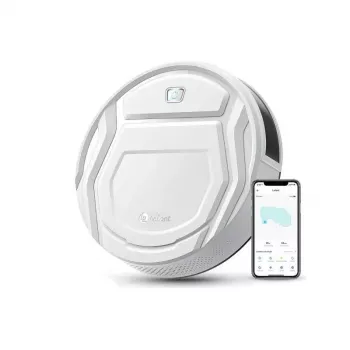
If the goal is hands-off routine cleaning, the Smart Robot Vacuum Cleaner is designed for simple scheduling and everyday pickup. It’s a practical option for keeping crumbs and dust under control between deeper cleanups, especially when it runs in shorter, frequent sessions and gets quick weekly maintenance.
More in-stock picks for home and everyday use
- 16 Piece Blue Stoneware Dinner Set – Elegant Floral Embossed Plates & Bowls
- 12-Ton Heavy Duty Hydraulic Shop Press for Garage and Workshop
FAQ
Can a smart robot vacuum cleaner replace a normal vacuum?
It can handle routine maintenance cleaning, especially on hard floors and for everyday crumbs and dust. A full-size vacuum is still useful for deep-cleaning carpets, stairs, and heavier debris, so many homes get the best results using both.
How often should a robot vacuum run in a home with pets?
Daily or every-other-day runs work well during shedding seasons, with shorter scheduled cleans to keep hair from building up. Plan to empty the bin more often and clean the brush weekly (or more) to prevent tangles.
Why does a robot vacuum miss spots or stop mid-clean?
Common causes include floor clutter or cords, dirty sensors, a full bin, a tangled brush, or low battery without a reliable recharge-and-resume feature. Clearing the floor, wiping sensors, cleaning the brush, and improving dock placement usually fixes the issue quickly.













Leave a comment